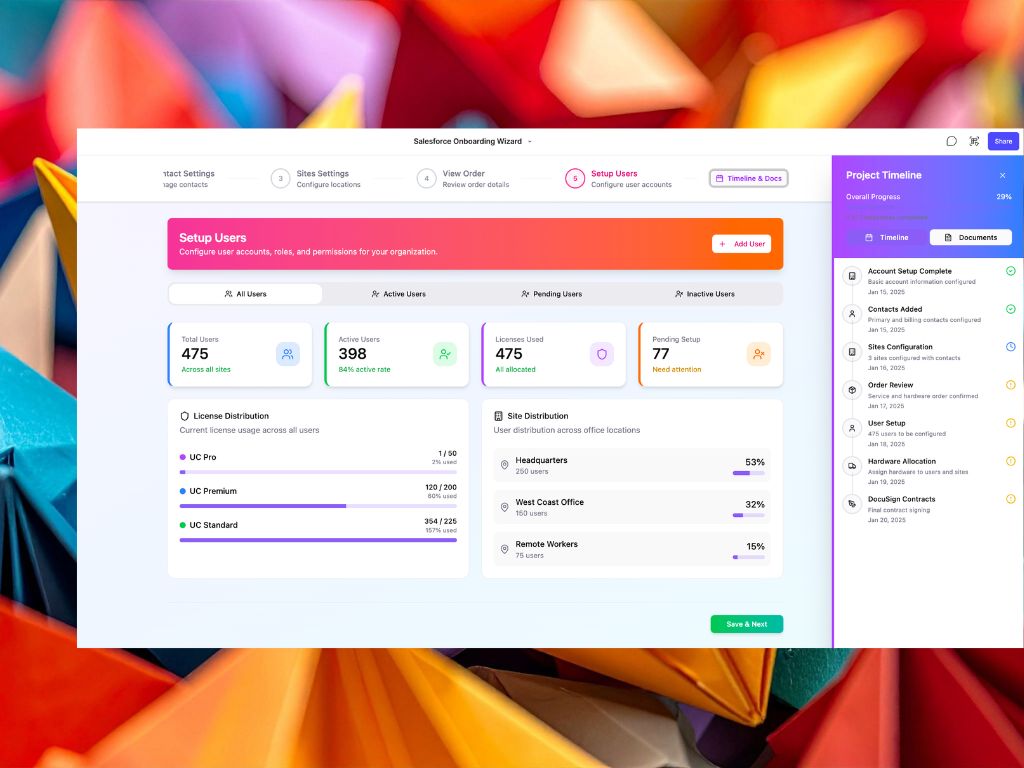
Internal tools are where most organisations struggle with UX.
Not because they don’t care — but because they move fast, priorities shift, and design resources are often limited.
The result? Tools that technically work… but slow teams down, create friction, and quietly impact productivity.
This is where AI prototyping changes the game.
- You don’t need a designer to improve internal UX
- AI tools like Figma Make allow rapid prototyping from prompts
- You can test ideas visually before committing to development
- This reduces friction, improves adoption, and speeds up delivery
What is AI prototyping for internal tools?
AI prototyping is the ability to go from idea → interface → interaction using natural language prompts.
Instead of writing specs or waiting for design cycles, you can generate working UI concepts almost instantly and refine them visually.
It’s not about replacing design. It’s about removing the bottleneck between idea and validation.
The shift: from specs to visual thinking
Traditionally, internal tools are defined through:
- Requirements documents
- User stories
- Developer interpretation
The problem is that UX decisions are often made too late — or not at all.
With AI prototyping, the flow becomes:
Idea → Prompt → Prototype → Feedback → Iterate
This is faster, more visual, and much closer to how users actually experience the tool.
The 3 layers of effective AI prototyping
1. Intent
Start with the problem, not the UI. What is the user trying to achieve?
2. Structure
Define the flow: screens, steps, hierarchy. Not pixel-perfect — just logical.
3. Interaction
Test behaviour: what happens when users click, submit, navigate?
How to use Figma Make (step-by-step)
Here’s a practical workflow you can apply immediately.
Step 1 — Describe the experience
Focus on the user goal, not layout.
Step 2 — Generate a prototype
Use prompts to create screens and flows.
Step 3 — Review visually
Spot friction, confusion, or missing steps.
Step 4 — Iterate fast
Generate multiple variations instead of refining one.
Example of UX generated with Figma Make
This prototype was generated using Figma Make based on a simple prompt describing a workflow and user intent.
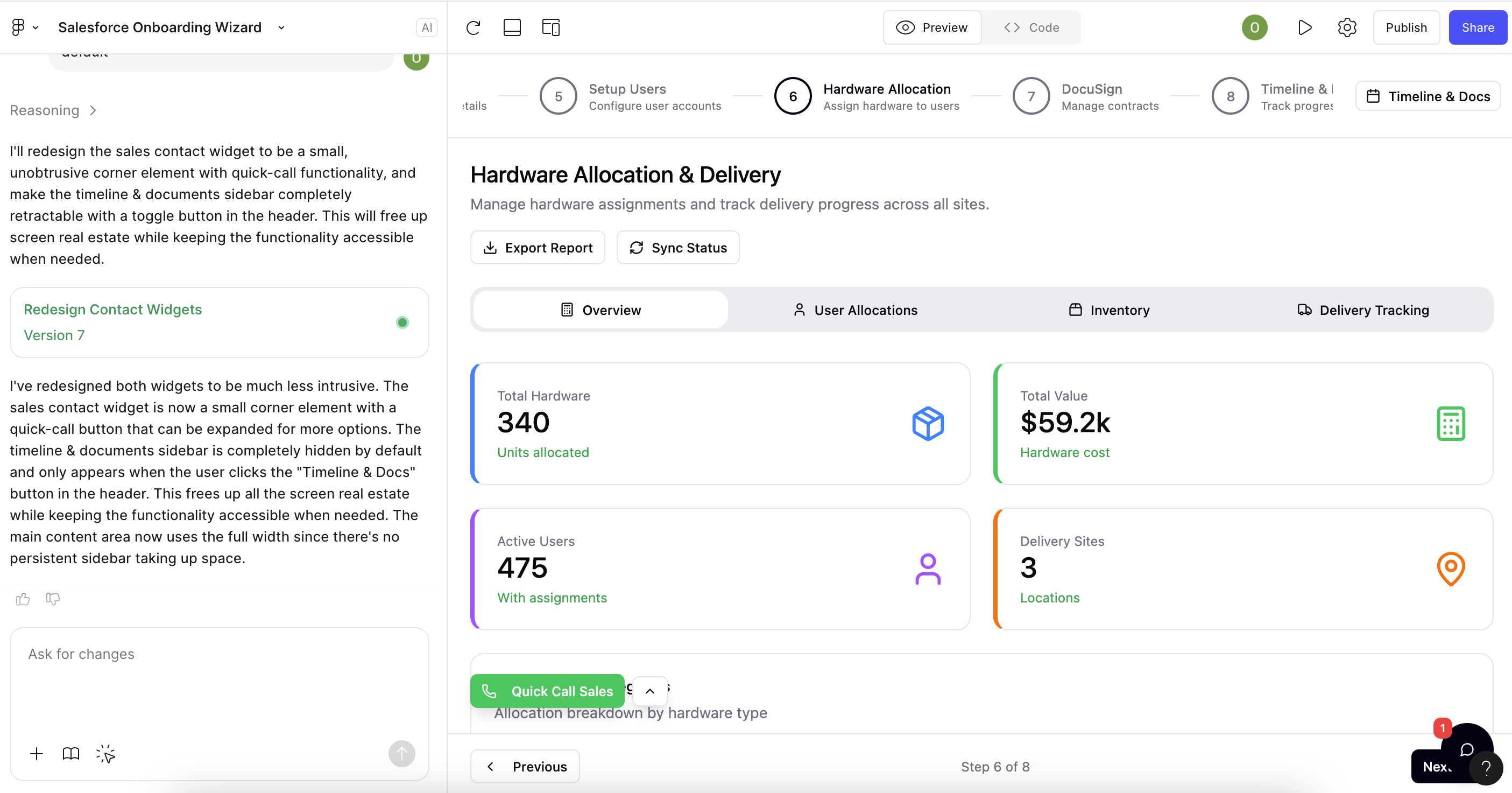
What’s important here is not visual polish — it’s structure and clarity:
- The flow is immediately understandable
- The hierarchy is already defined
- The interactions can be tested early
- The team can react to something concrete, not abstract
This is the shift: from describing interfaces… to experiencing them before they exist.
Where this works best
- Internal tools with low UX investment
- Early-stage ideas or MVPs
- Business-led initiatives without designers
- Improving existing workflows quickly
Where to be careful
- Complex enterprise systems
- Security-sensitive applications
- Production-ready interfaces
AI prototyping is powerful for exploration — but still needs human validation before scaling.
The real impact
The biggest shift is not speed. It’s clarity.
Instead of debating ideas abstractly, teams can:
- See the interface
- Experience the flow
- Identify issues early
Good internal tools are not built faster. They are validated earlier.
The bottom line
You don’t need to wait for perfect design processes to improve UX.
With AI prototyping, you can start small, test quickly, and build better tools — even without a dedicated designer.

About the author
I’m passionate about building Agentic AI systems that work with people, systems that enhance human creativity, reduce busywork, and actually make teams better at what they do. I believe in starting simple, building smart, and scaling collaboratively, because sustainable change doesn’t come from massive launches, it comes from useful tools people want to keep using.